ShoppingateShoppingateDevelopers
shoppinggate.app ↗
Documentation
  • What is a Mini App
  • Why Mini Apps
  • API integration
  • SDK
  • Webview
  • Mini App architecture
  • Getting started
  • Choosing your path
  • Introduction
    • Introduction
    • Sign up & login
    • Dashboard & analytics
    • Mini-Programs
    • Submit & publish a version
    • App Binding
    • Privacy Settings
    • Allowed URL
    • Users & roles
    • Introduction
    • Become a Mini-App vendor
    • API keys
    • My Mini-Apps
    • Orders
    • Webhook
    • Deep-link config
    • Introduction
    • Install & log in
    • Create a project
    • The workspace
    • Preview & upload
  • Introduction
  • Configuration
  • Lifecycle
  • Routing & query
  • Host functions
  • orderPayment
  • Permissions
  • User info
  • Introduction
  • Configuration
  • SDK
  • Lifecycle
  • Routing & query
  • Host functions
  • orderPayment
  • Permissions
  • User info
  • Web app and shell calls
  • Look and feel
  • Overview
    • Verify user
    • Create order
    • Get order
    • Update order status
    • Charge an order
    • Send a notification
  • Subscriptions
    • Create a subscription
    • List subscriptions
    • Get a subscription
    • Update a subscription
    • Reschedule next charge
    • Change plan (upgrade)
    • Cancel a subscription
  • Webhooks
Merchant portal

Become a Mini-App vendor

Apply once to unlock the Mini-Apps menu in your Merchant portal.

1. Apply

In the menu, under Mini-Apps, click Become a Mini-App Vendor. Read the mini-app provider terms, tick the box to accept them, and click Submit application. Your company details are already on file from your merchant account — there is nothing else to fill in.
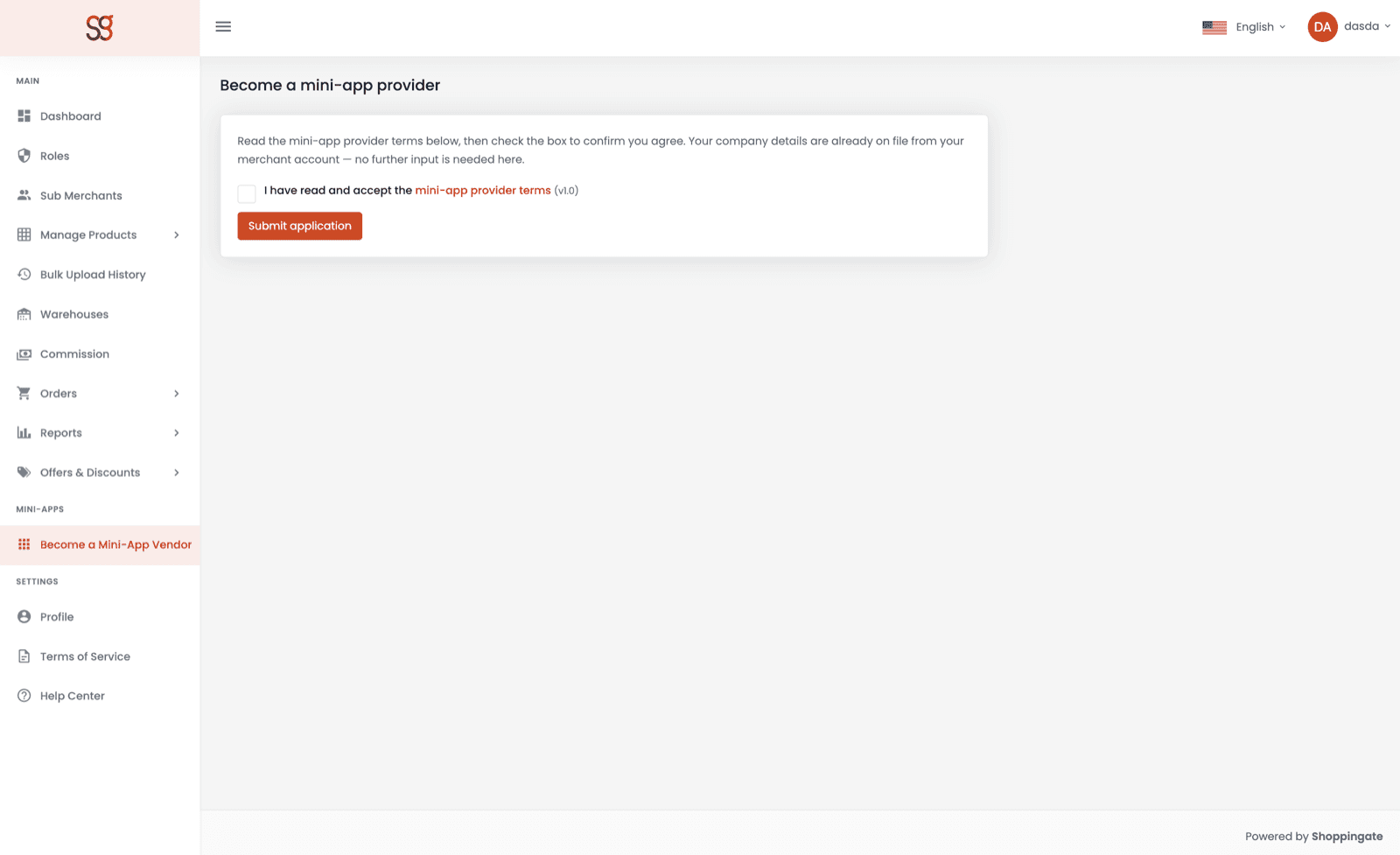
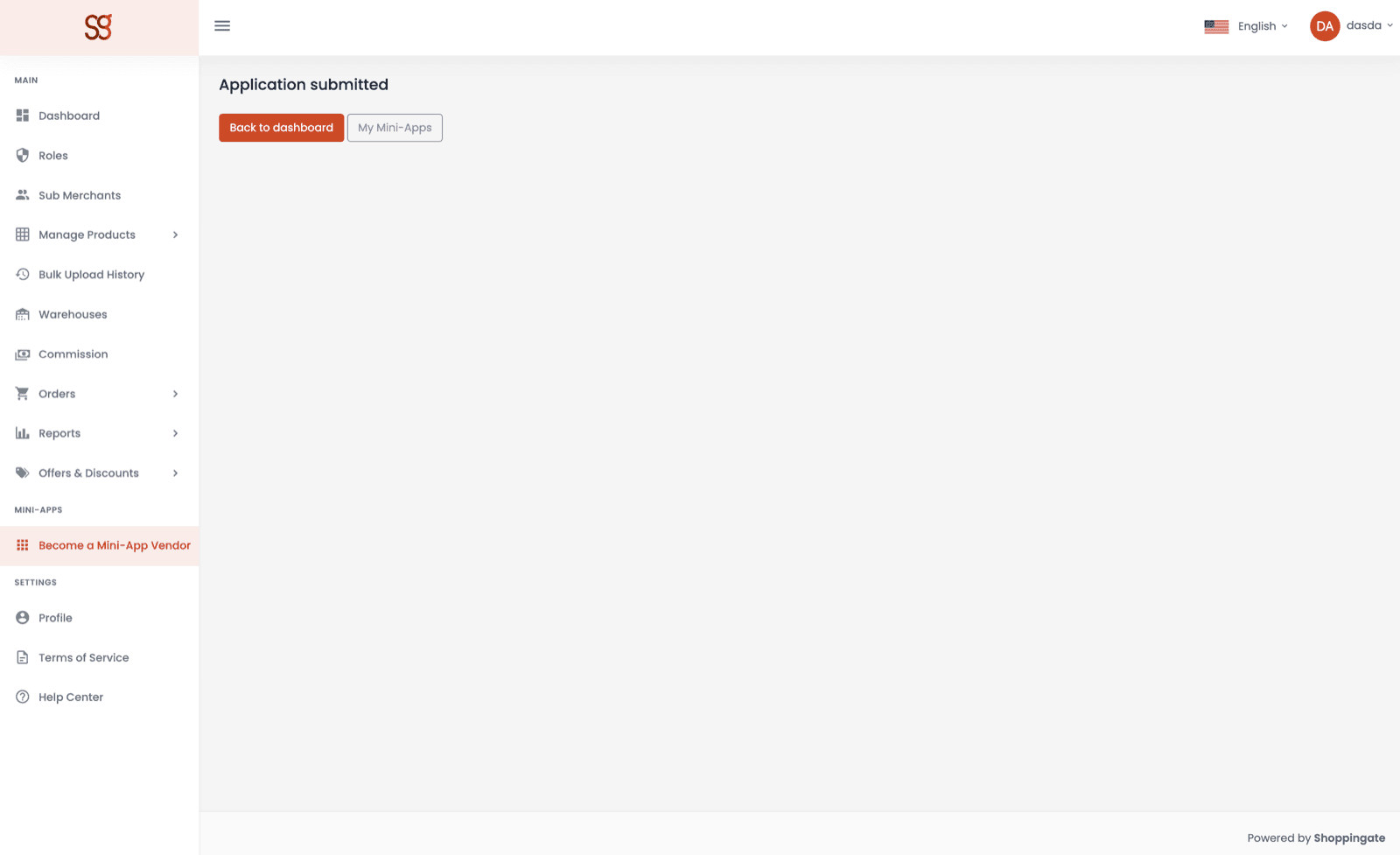
The Become a mini-app provider page with the terms checkbox and the Submit application buttonThe Application submitted page

2. After approval

Your application is reviewed by the Shoppingate admin. Once it is approved, the Mini-Apps menu shows three items: My Mini-Apps, Mini-App Orders and API Keys.

3. Your Mini Apps appear

My Mini-Apps is empty until you create a Mini App in the Dev portal. It doesn't need to be published — once you create it, the Shoppingate admin adds it to your Merchant portal using its details from the Dev portal.
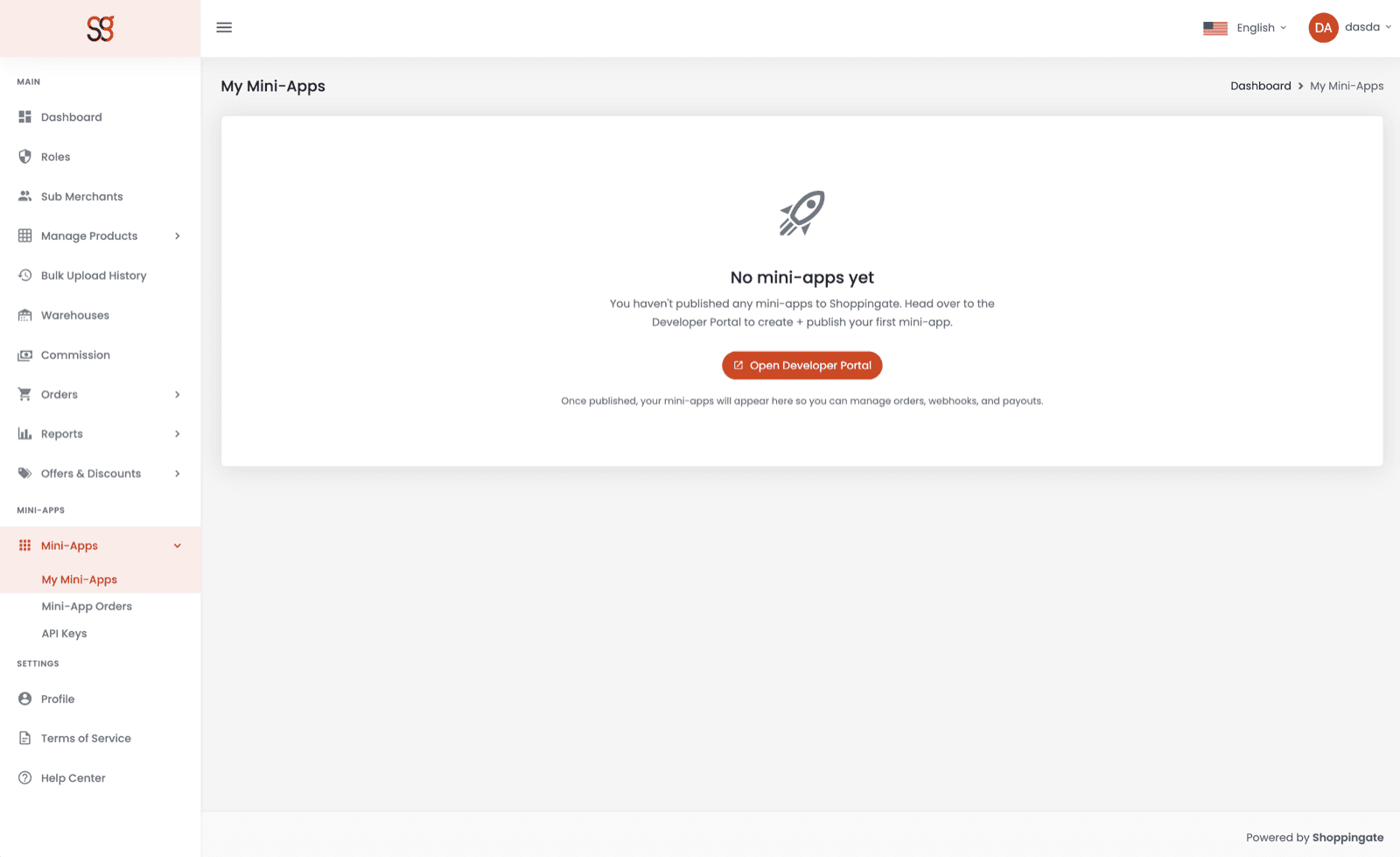
My Mini-Apps with no mini-apps yet and the Open Developer Portal button