

Merchant portal
Deep-link config
Set which page of your Mini App opens from a deep link. For example, when a user taps an order, a product, a search result or a notification in the Shoppingate app, your Mini App opens on that page.
If your Mini App takes orders, set up Order details. The Shoppingate app uses it for order notifications, receipt emails and its own orders list. Without it, they all open your Mini App's home page.
Set it up
Open My Mini-Apps, select your Mini App, and click the Deep-link config tab.
- Turn on the switch for each link type you want.
- Enter its Path template — the page to open. It starts with
/and contains the placeholder once, for example{vendorOrderRef}. Shoppingate replaces the placeholder with the real value. What you write depends on your Mini App type — see Native and Web view below. - Click Save config.
Leave off the types you don't need — no link is made for them.
Link types
Type
What it opens
Placeholder
Order details
The page of one order. The value is your own order reference — the vendor_order_ref you send when you create the order.
{vendorOrderRef}
Product page
The page of one product. The value is your own product id.
{productId}
Search results
Your search results page, filled with a search query.
{query}
Custom path
Any path, for links your own backend builds that don't fit the types above.
{path}
Native Mini App
The template points at a page of your Mini App.
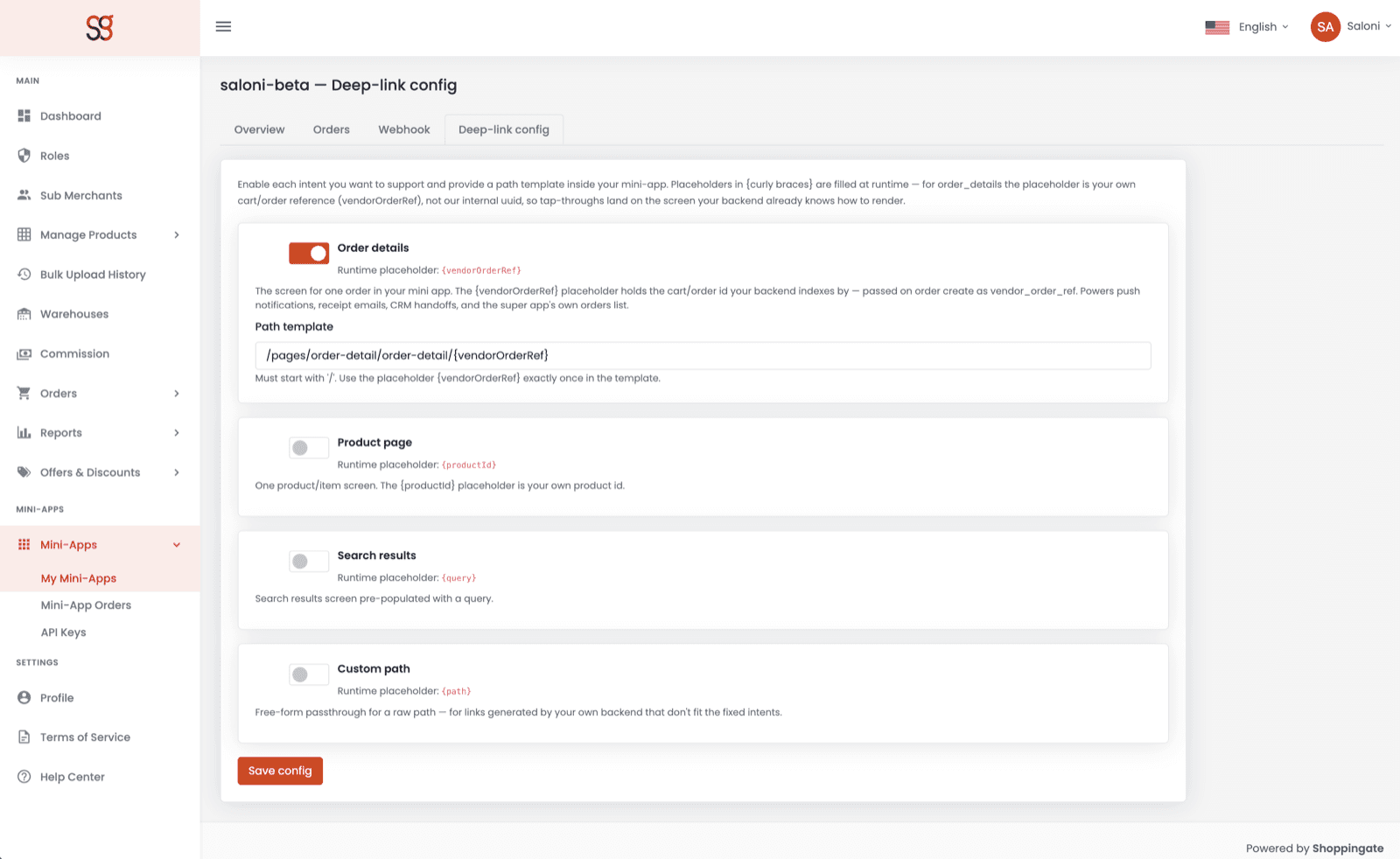
Example config
{
  "order_details": { "path_template": "/orders/{vendorOrderRef}" },
  "product_page":  { "path_template": "/catalog/{productId}" },
  "search":        { "path_template": "/search?q={query}" },
  "custom":        { "path_template": "{path}" }
}
How the page receives the value and reads it is explained in Routing & query.
Web view Mini App
The template opens your shell page — the page that holds the <web-view> — and its query says which page of your web app to show.
The template
/pages/index/index?path=pages/order_details/&orderId={vendorOrderRef}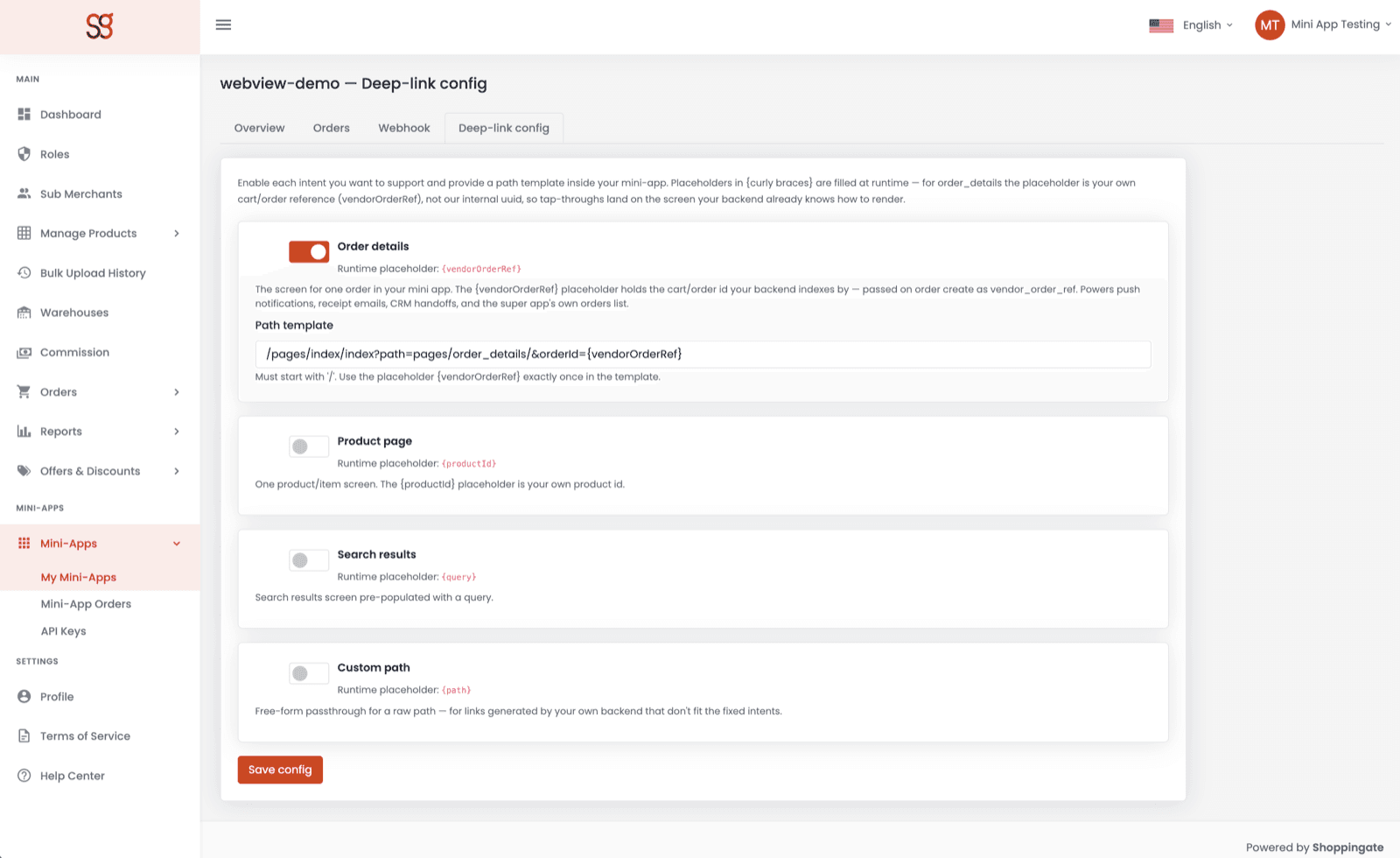
Part
What it is
/pages/index/indexYour shell page — the page that has the
<web-view> tag.path=pages/order_details/The page of your web app to open. It can be any path, for example
a/b/c.orderId={vendorOrderRef}Any other values your web page needs.
orderId is your own name; {vendorOrderRef} is the platform placeholder, replaced with the real value.How your shell page receives the query and opens the page in the <web-view> is explained in Routing & query.